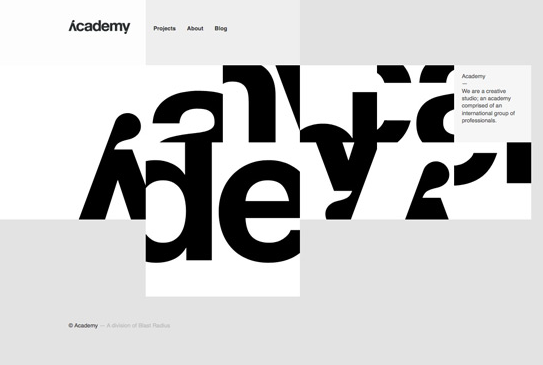
Communication plays a vital role in design — it’s essential to establish a clear connection between the website and user and to help your users accomplish their goals. When we talk about communication in web design context, we usually mean text. Typography plays a vital role in this process:
“More than 95% percent of information on the web is in the form of written language.”
Good typography makes the act of reading effortless, while poor typography turns users off. As Oliver Reichenstein states in his article “Web Design is 95% Typography”:
“Optimizing typography is optimizing readability, accessibility, usability(!), overall graphic balance.”
In other words: optimizing your typography also optimizes your user interface. In this article, I will provide a set of rules that help you improve readability and legibility of your text content.
Keep The Number of Fonts Used At a Minimum
Using more than 3 different fonts makes a website look unstructured and unprofessional. Keep in mind that too many type sizes and styles at once can also wreck any layout.
In general, limit the number of font families to a minimum (two is plenty, one is often sufficient) and stick to the same ones through the entire website. If you do use more than one font, ensure the font families complement each other based on their character width. Take the example of fonts combinations below. The combination of Georgia and Verdana (left) share similar values that creates a harmonious pairing. Compare that to the pairing of Baskerville and Impact (right) where the heavy weight of Impact vastly overshadows its serif counterpart.

Been a Webspellchecker user for I don't know how long, recently converted to INK for All. https://seo.app/uWnq4gBhZ INK is more like a game, your objective is increasing the seo score to 100. I’m more productive and it’s helping with readability
ReplyDelete